Is Whop Downloader Safe to Use? What It Actually Accesses and Why
A breakdown of every permission Whop Downloader requests, what data it collects (none), and what to check on any Whop downloader before you trust it with your account.
Is Whop Downloader safe? It's a reasonable thing to be cautious about — it runs inside your browser, on pages where you're logged in, with some level of access to what's happening there. Here's exactly what it can see, what it does with it, and how to evaluate any Whop downloader (this one or someone else's) before you trust it.
What permissions it actually requests, and why
Chrome shows you every permission an extension asks for before you install it. Here's what Whop Downloader requests and the specific reason for each one:
webRequest— detects video stream and PDF URLs on Whop pages and captures the headers needed to fetch them while you're browsing. This is how it finds a video exists in the first place.storage— stores your weekly download count, license status, and an anonymous install ID locally on your device, so the extension remembers your state between browser sessions.downloads— saves the finished MP4, audio, video, or PDF file to your downloads folder. This is the same permission any download manager needs.declarativeNetRequest— re-attaches the page's Referer/Origin headers when fetching video segments directly, so Mux's servers accept the requests the same way they would from the normal player.offscreen— runs the bundled video-merging component in a hidden background page to combine video and audio entirely on your device, without needing external software for most videos.alarms— keeps the background process responsive during long downloads and periodically checks whether a Pro license is still valid.nativeMessaging— only used if you install the optional local helper app for very large videos and the whole-course download; it's how the extension talks to that separate desktop program. If you never install the helper, there's nothing on the other end of it.host_permissions— scoped specifically towhop.com,mux.com, andamazonaws.com. Not "all websites" — just the three domains actually involved in detecting and fetching Whop video content.
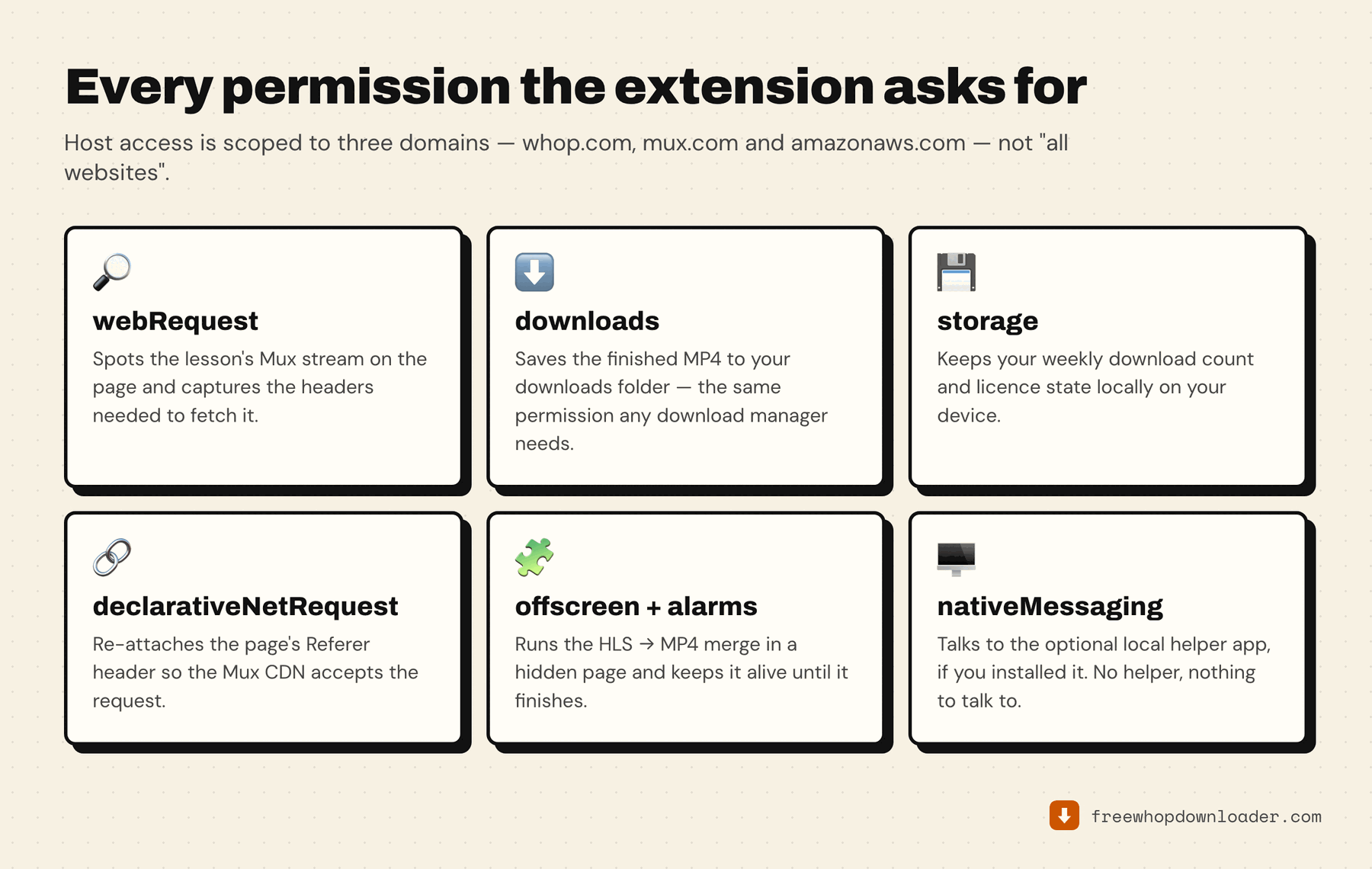
Notice what's not in that list: no permission to read your keystrokes, no access to other websites you visit, no ability to see your Whop password (it never touches password fields at all — it works off your already-authenticated browser session, same as any tab you have open).
What data leaves your device
None, for the core function. Every claim on this page is checkable — install the extension, open Chrome's Network tab, and watch what it actually does:
- Video and audio streams are fetched directly from Mux's CDN to your machine and merged locally. They're never routed through, or uploaded to, any server of ours.
- Your Whop login credentials are never read or transmitted by the extension — it uses your browser's existing authenticated session, the same way any tab does.
- The only network calls the extension makes outside of whop.com/mux.com/amazonaws.com are a periodic, anonymous version check and license validation (for Pro users) — no browsing history, no personal identifiers beyond a random install ID used to enforce the weekly free-tier limit.
There is exactly one other thing that can leave your device, and it never happens on its own: the Report a problem button. It sends the extension version, your plan tier, helper status, your browser's user-agent string, the random install ID, and the last few download log lines — after showing you that list and waiting for you to press Send. An email address is optional and only used to tell you when the issue is fixed. If you never press the button, none of it is sent.
Red flags to check on any Whop downloader
Not every tool that promises this is built the same way. Before trusting one with your Whop account, check:
- Does it ask for your Whop password directly? It shouldn't need to. Legitimate tools work off your existing browser session — if something asks you to type your Whop credentials into its own form, that's a real red flag.
- Does it require creating a separate account with an email and password? That's not automatically malicious, but it does mean a third party now holds a credential of yours tied to your identity, for a tool that has no obvious reason to need one.
- Where does the actual processing happen? If a tool routes your video through its own server (rather than fetching directly to your device), your course content is passing through infrastructure you have no visibility into. Check the extension's own privacy policy for language like "processed locally" or "no data uploaded" — and be skeptical if that's not stated clearly anywhere.
- What does the Chrome Web Store listing's permissions section actually say? Chrome requires every extension to disclose its permissions before install. If a downloader asks for broad access like "read and change all your data on all websites" for a tool that only needs to work on one platform, that's disproportionate to the job.
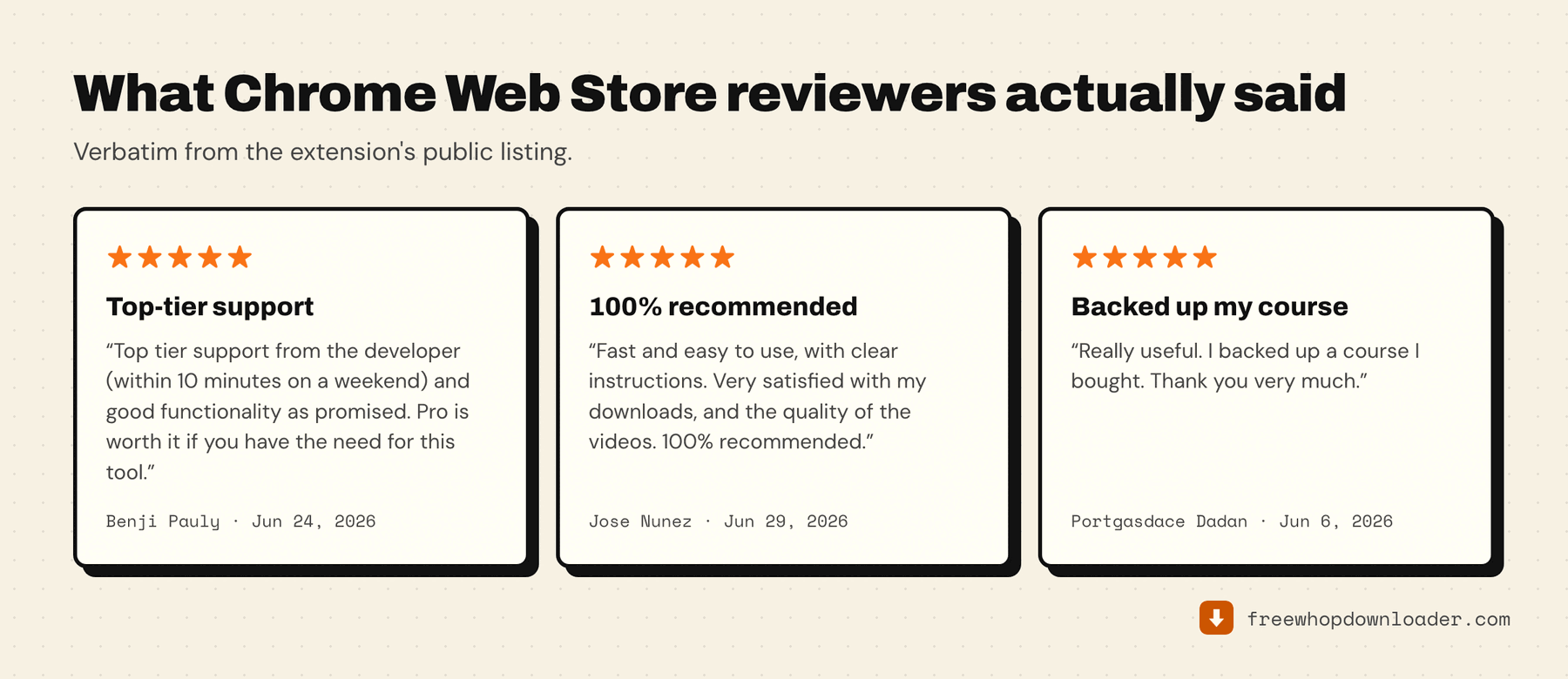
- Is the developer identifiable? A published support email, a real changelog, and a maintained Chrome Web Store listing with actual reviews are all signs of an accountable developer versus an anonymous one-off.
None of that is a substitute for checking yourself, which is the point of the next section. If the question behind "is it safe" is really "is it above board to be doing this at all", that's a different question with a real answer — see is it legal to download Whop videos?.
You don't have to take any developer's word for "we don't collect data" — Chrome's own Network tab (DevTools → Network, while using the extension) shows you every request it actually makes in real time. That's the most direct way to verify any privacy claim, on this extension or any other.
Source and accountability
Whop Downloader is published under a real developer identity on the Chrome Web Store, with a maintained changelog, a support channel that responds to reports, and a privacy policy that states plainly what is and isn't collected — and a Chrome Web Store rating in the mid-4s at the time of writing. None of that is unique — but it's the baseline worth checking for before you install anything that touches an account you've paid for.
If you're still deciding between tools rather than deciding whether to trust this one, every free Whop downloader compared applies the same checks to the alternatives.